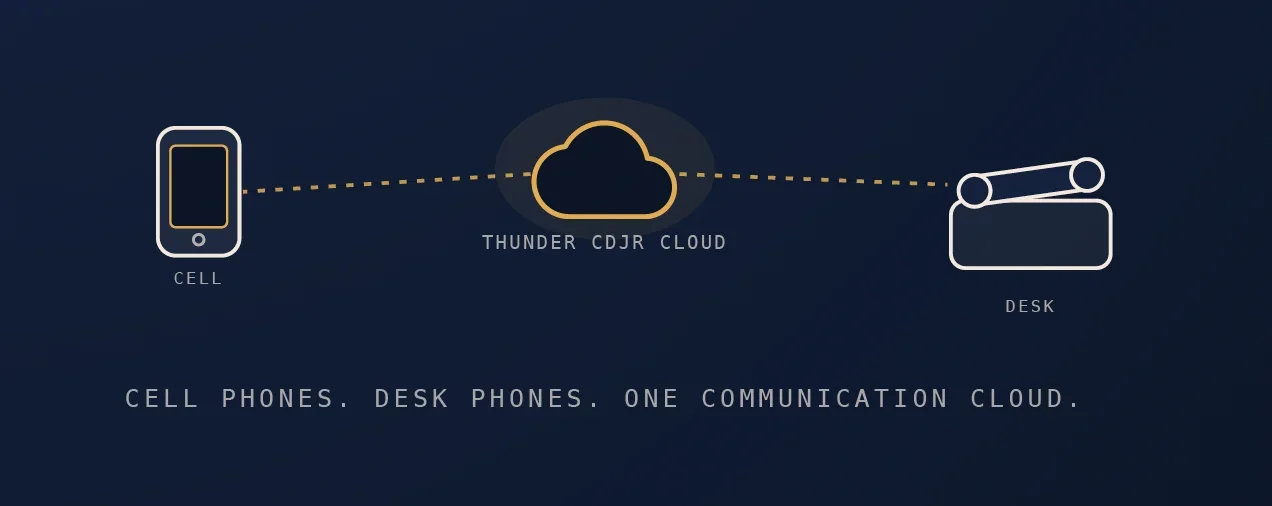
Keep your personal number private when running a business
Give customers a business number while keeping your personal calls separate.


Start with one business number
Your customers should know how to reach your business without needing to know where you are working today. A ddicated business number gives you one contact to put on your website, business cards and invoices.
Before deciding on a device or a plan, describe a normal working day. Who answers the first call? What happens during an appointment? Where should a message go when the office is closed? Those answers are the starting point for a useful phone setup.
Start with your working day
Write down three calls you handle often. Use those examples when you talk through your setup with the team.
Choose how you want to answer
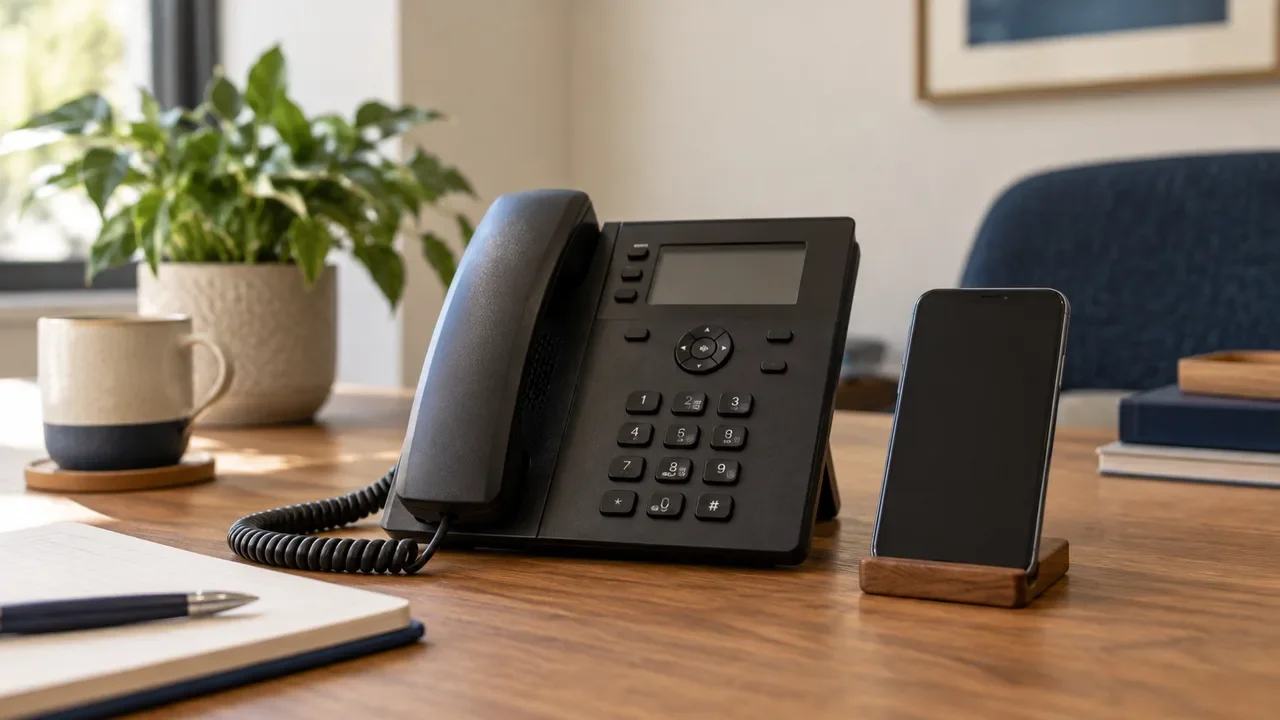
A desk phone can suit a fixed reception area. Mobile access may be useful when your day takes you between locations. Some teams use a combination. Confirm device and application compatibility before choosing a service.
| Where you work | What to consider | A question to ask |
|---|---|---|
| At a desk | A familiar place to answer and transfer calls | Will my current desk phone work? |
| Between appointments | Business calling while away from the office | Which app or mobile plan fits my phone? |
| Across a team | A clear order for answering calls | Who should receive the call next? |
Give every call a next step
Call handling is easier to explain as a sequence. Start with the person who normally answers, then decide what happens if they are busy or unavailable.
Choose who answers during your regular hours.
Decide where unanswered calls should go next.
Write a short, useful voicemail greeting.
Agree who checks and returns messages.
A useful phone setup follows the way your team works.
Think about after-hours calls, too
Let callers know when they can expect a response. Keep the greeting specific and revisit it when your hours change. Confirm which scheduling and routing features are available on the plan you select.
Keep personal and business calls separate
A business number creates a clearer boundary, but it is worth checking how outgoing calls appear to customers. Ask the team to demonstrate the normal calling workflow on the device you intend to use.
Check which number appears when you call a customer.
Know where business voicemail messages are delivered.
Test the steps for returning a missed call.
Test before you share the number
Try your setup with someone who can act as a customer. Make a call, let one go unanswered, leave a message and return the call. If more than one person answers, test that handoff too.
If you are moving an existing number, confirm eligibility and the transfer sequence before changing your current service. The team can help you understand the next steps for your specific number.
Make room for the next change
Your team and working hours may change over time. Keep a short record of who answers, who checks messages and who can request a setup change. Revisit those details when you add a person or a new location.
This article is sample editorial content for the website preview. Confirm product details and replace the sample publication information before publishing.